A rental quotation that says only “Canon multifunction printer” leaves important questions unanswered: which model arrives, which accessories are supplied, who installs it, and how toner or extra pages are billed. By checking the equipment list, setup scope, running costs and contract terms, you can compare offers without assuming that every Canon feature or service is included.
Key takeaways
- Request the exact Canon model, active functions, accessories and delivery scope in writing.
- Confirm who installs drivers, connects the network and tests scanning before accepting delivery.
- Check whether toner, maintenance, paper and per-page charges are included or billed separately.
- Match print speed, paper capacity, scanning features and monthly volume to your workload.
What equipment and functions should arrive with the rental?
A Canon multifunction printer rental in Delhi is complete only when the package and active functions are written down. Ask for the exact Canon model number; “multifunction printer” alone does not prove which equipment is included.
- Canon printer and starter toner cartridges; ask for the stated page yield, because “starter cartridge” does not establish how many pages it will print.
- Power cable, USB cable or network cable, and every supplied software package or driver.
- Installed paper trays, their sizes, and the maximum paper capacity.
- Automatic document feeder (ADF), user guide, and installation documentation.
- A written status for the ADF, duplex unit and extra trays: installed, optional or unavailable.
Printing, copying and flatbed scanning do not prove that the machine has faxing, duplex scanning, network scanning, stapling or an internal finisher. Request each function as active, optional or unavailable.
| Model type | What belongs in the comparison | Practical difference |
|---|---|---|
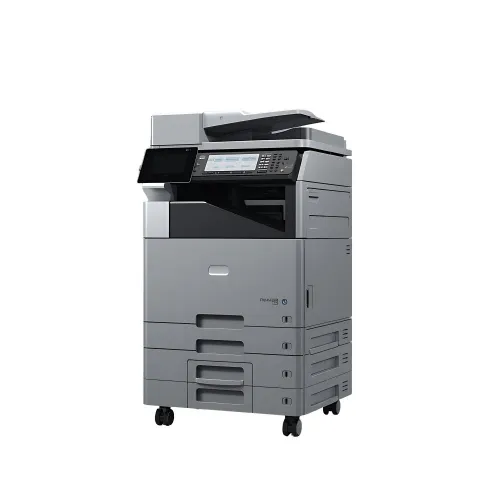
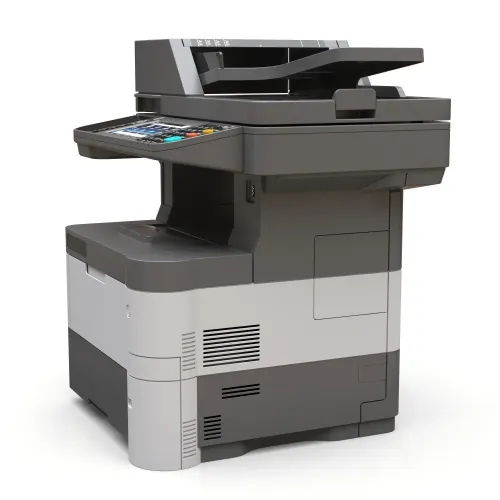
| A4 basic machine | A4 paper support, smaller trays, flatbed scanning and possible ADF | Suits lighter home or small-office work; manual scanning may be necessary |
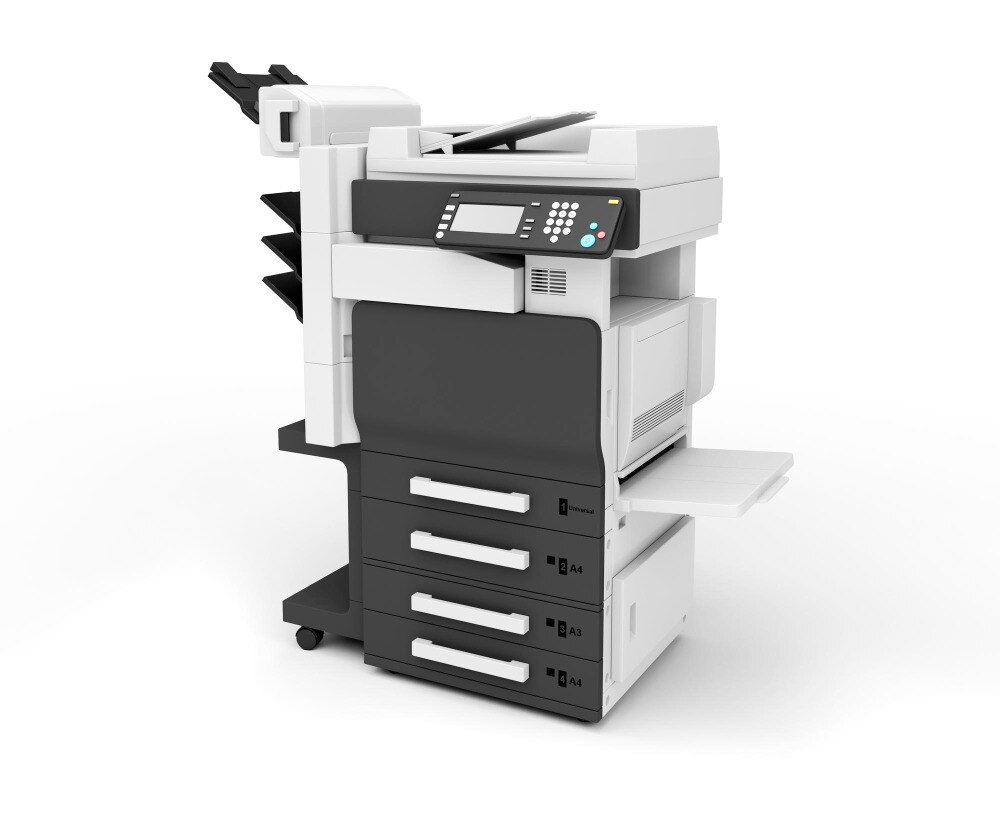
| A3 office model | A3 support, larger trays, stronger duty rating and possible finisher options | Handles larger documents and higher volumes, but accessories remain model-specific |
Confirm the exact model before accepting the quote. Check whether the ADF feeds multiple pages, whether duplex scanning is active, and whether network scanning is configured. A Canon rental described as “included” without these details can arrive as a basic A4 unit rather than the A3 office system you expected.
Who delivers, installs and connects the Canon printer?
Ask the supplier to state who delivers the Canon printer to your stated Delhi address and who completes the printer rental setup in Delhi. A proper setup can include:
- Carrying the machine inside, positioning it on a stable surface and assembling the unit.
- Removing packaging and checking trays, the automatic document feeder and other installed parts.
- Connecting power and completing test prints, copies and scans.
- Installing and configuring drivers for Windows and macOS.
- Installing mobile printing or scanning access for Android and iOS.
- Connecting the printer to the office network and confirming Ethernet, Wi-Fi and USB support.
- Assigning or configuring the IP address, with the supplier and your network administrator agreeing who performs that step.
- Setting up scan-to-email, scan-to-folder and user access if those functions are required.
Provide a stable power outlet, enough clearance to open trays and covers, network details such as the Wi-Fi password or an available Ethernet point, and access to each computer needing drivers. Ground-floor delivery may use ordinary handling; an upper-floor delivery without a lift can require extra labour, equipment or transport charges.
If you are comparing Amage Infotech Systems with another supplier, ask whether installation and service cover your full Delhi address or only the Raja Garden area. Confirm whether cabling, travel, relocation and later reconfiguration are included or charged separately.
Related products
 | Printer Rental Services Canon Multifunction Printer Hire On RENTAL Looking for an all-in-one office printing solution on rent? Our Canon Multifunction Printer Hire on Rental service provides high-performance print,... View product → |
 | Printer Rental Services Canon Photocopy Machine for Rental Rental Canon Photocopy Machines at Amage Infotech Systems, Raja Garden, New Delhi At Amage Infotech Systems, located in the heart of Raja Garden, New... |
Which consumables and usage charges are included?
A low monthly rent does not reveal the consumable cost. The quotation must define toner, paper, drum units, waste-toner containers, staples and replacement parts separately. Paper is commonly excluded. Toner might be supplied free, billed by actual use or included only within a page allowance; the quotation must state which arrangement applies.
| Billing arrangement | What it means | What to verify |
|---|---|---|
| Fixed monthly rent | One recurring equipment charge, subject to agreed limits | Allowance, fair-use limit and excess-page rate |
| Meter-based billing | Rent plus charges calculated from recorded pages | Black-and-white rate, colour rate and counter rules |
| Hybrid billing | Rent includes an allowance, then adds page charges | Minimum monthly charge and treatment of unused pages |
Ask the supplier to state all of these in writing:
- Black-and-white and colour per-page rates, monthly allowance, excess-page rate and minimum monthly charge
- Whether test pages and service pages count, and whether a page containing any colour is classified as colour
- GST, security deposit, installation fee, delivery fee and payment date
- The initial, monthly and final meter readings, including who records them and which counter is used
- A fair-use or recommended-volume limit; reject “unlimited printing” without one
For a Canon printer on rent in Delhi, these details prevent a low advertised rent from becoming an unpredictable monthly bill.
What should Canon printer rental terms cover?
A low monthly figure does not reveal your real liability. Canon printer rental terms should define these points before you sign:
| Point | Confirm in writing | Why it matters |
|---|---|---|
| Rental period | Start date, minimum tenure, renewal method and notice period | Prevents automatic extensions |
| Money | Advance payment, security deposit, GST, payment date and early-termination charge | Exposes the total commitment |
| Premises | Relocation approval, delivery or travel charges, and service coverage at the Delhi address | Avoids unauthorised-move disputes |
| Damage | Responsibility for loss, theft, physical damage and the return condition | Sets your maximum exposure |
| End of hire | Collection date, meter reading and charges for missing parts or poor condition | Prevents final-invoice surprises |
Require a maintenance clause covering paper jams, error codes, print-quality faults, software connection problems and hardware breakdowns. It must name service hours, the target response time, travel charges, the repair-versus-replacement process, and whether rent or page charges stop while the machine is unusable.
Your operating duties should state that you will use suitable paper, load it correctly, provide safe electrical supply, keep liquid and dust away, and stay within the agreed workload. Misuse or unauthorised relocation can exclude maintenance.
For confidential documents, ask for written controls covering secure release printing, user authentication, stored-job deletion, administrator-password control and data wiping before return. Confirm who performs each step and request a completion record.
How do you match the included Canon model to your workload?
A 20-page-per-minute machine is not automatically the better rental. Match the Canon model to your monthly pages, document size, two-sided work and need for unattended copying, then compare the completed specification below.
| Check | Canon model A: exact number | Canon model B: exact number |
|---|---|---|
| Paper and output | A4 or A3; monochrome or colour | A4 or A3; monochrome or colour |
| Speed | Print and copy speed in pages per minute | Print and copy speed in pages per minute |
| Scanning | Scan resolution; flatbed; ADF capacity | Scan resolution; flatbed; ADF capacity |
| Paper handling | Paper-tray capacity; duplex printing; duplex scanning | Paper-tray capacity; duplex printing; duplex scanning |
| Workload | Monthly duty cycle; maximum recommended monthly volume | Monthly duty cycle; maximum recommended monthly volume |
| Functions | Printing, flatbed scanning, copying, faxing, stapling and network scanning: mark each active, optional or unavailable | Mark each function active, optional or unavailable |
Reject “Canon multifunction printer” as a model description. The quotation must name the exact available model number, because a basic A4 home or small-office unit can require less installation and simpler rental arrangements, while a business model can reduce interruptions with a larger tray, faster output, ADF and stronger duty rating.
Do not choose on speed alone. Compare total monthly cost, toner and paper rules, page allowances, excess-page rates, workload limits and service coverage. For Canon multifunction printer hire in Delhi, also confirm whether delivery, installation, driver configuration and repairs cover your address and the quoted model.
Frequently asked questions
What equipment and functions should arrive with a Canon multifunction printer rental?
Request the exact Canon model number and a written list of included trays, duplex printing, scanning, copying, faxing, document feeders and connection accessories.
Who delivers, installs and connects a Canon printer rental in Delhi?
Confirm whether the rental provider delivers, installs drivers, connects the printer to your network and tests printing, copying and scanning at handover.
Which consumables and usage charges are included?
Check whether toner, drums, maintenance, paper, replacement parts and per-page printing charges are included, capped or billed separately.
What should Canon printer rental terms cover?
Review the rental period, deposit, monthly fee, print allowance, excess-page rate, repair response, damage responsibility, replacement process and return conditions.
How do you match the Canon model to your workload?
Compare your monthly page volume with the printer's duty cycle, print speed, paper capacity, duplex capability, scan workflow and colour requirements before choosing.
Related product
) | Printer Rental Services Canon Photocopy Machine for Rental services Rental Canon Photocopy Machines at Amage Infotech Systems, Raja Garden, New Delhi At Amage Infotech Systems, located in the heart of Raja Garden, New... |
Keywords